Canva Social Media Template Pack
12 professional social media templates — 4 Instagram posts, 4 Instagram stories, and 4 LinkedIn banners. Each with exact dimensions, a cohesive colour palette, and ready-to-copy text placeholders.
Best for
Creators and freelancers who need a repeatable social-content starting point. Turn the included social layout, copy structure, and content-calendar workflow into your own on-brand posts, stories, and banners.
What you receive
template-copy.txt is previewed below; the complete buyer delivery remains the existing contents/download area on this page. The page's real previews and download cards are the source of truth; this panel does not add files or change delivery.
First use & compatibility
Open the source package, upload the SVG to Canva, duplicate a clean master, and replace the bracketed copy, colors, type, and any licensed imagery.
Canva's free plan can import and edit the supplied SVG source. The download is not a Canva share link.
Choose your path
The Vault is separate at $12/mo and its page describes full library access, monthly drops, and community. A separate PLR/MRR license is available for this product; read its terms before choosing the reseller tier. Want branding help instead of DIY? Ask about Done-For-You Customization.
Commercial-use boundary: Packd's terms allow finished work made with these resources in your business or client work; they do not transfer Packd's underlying files or allow you to redistribute them. Read the Terms.
Buy Content Creator Starter Pack · $27.00 →How it works in your first five minutes
A real look at Content Creator Starter Pack: the preview below is sourced from the files delivered with this product, and the setup path starts with your own Notion, Canva, or AI account.
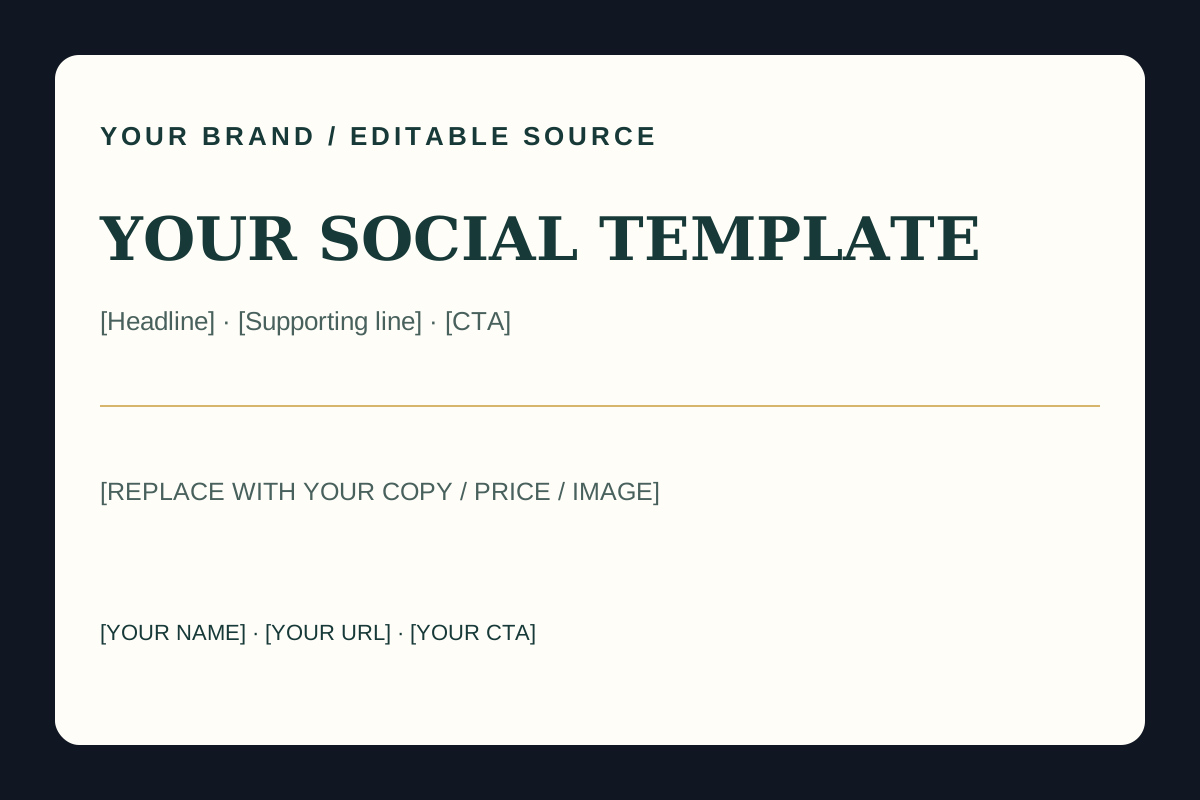
Preview of the actual downloadable source file. It is editable; it is not a hosted workspace.

- 1
Download social-template.svg and template-copy.txt.
- 2
In Canva, choose Create a design → Uploads → Upload files; open the SVG and duplicate the clean master.
- 3
Replace bracketed copy, colours, type, and any licensed image; check the stated 1080×1080, 1080×1920, or 1584×396 format.
- 4
Export one test graphic and inspect mobile legibility before making variations.
Instructional sample, not a result: TIP #1 · Batch your drafts · A simple example of the template-copy structure; replace it with your own verified tip and CTA.
This is a teaching example built from the file structure. It is not a customer result, testimonial, or populated buyer workspace.Know this is the right workflow? Start with the real files and use them in your own tools.
Get Content Creator Starter Pack · $27.00 →Or compare The Vault →📸 Instagram Post Templates (1080 × 1080)
Square format posts for the feed. Each is built to stop the scroll and prompt saves or shares.
Dark background, large bold headline centred, small tagline below. Brand logo bottom-right. Use for announcements, quotes, or power statements.
A short supporting line here.
👉 [Call to action]
#freelance #[YourNiche] #creator
Number badge top-left (e.g. '01 / 05'), tip headline, body text below. Clean split-line separator. Designed to swipe through as a series.
[Tip Headline]
[2–3 sentence explanation of the tip. Keep it punchy.]
Save this for later 🔖
Large result metric centred (e.g. '$10K' or '50K followers'), small label above, brief context below. Works for milestones and case study highlights.
[What it represents — one line]
Here's how I did it: 👇
[1–2 lines on method]
Save this post →
Bold question as headline, two or three answer choices as styled chips below. Drives comments. Great for polls-as-posts.
A) [Option 1]
B) [Option 2]
C) [Option 3]
Drop your answer below 👇
#[niche] #community
📲 Instagram Story Templates (1080 × 1920)
Full-screen vertical stories. Designed for maximum engagement with interactive elements and clear CTAs.
Top-third: photo or video area. Bottom-third: dark overlay with text. Add a location sticker or poll to boost engagement.
[Brief caption about what you're working on]
Poll: Would you want a full video on this?
→ Yes, please!
→ Nah, I'm good
Countdown sticker centred, bold offer headline above, CTA 'Swipe up' or 'Link in bio' at bottom. Use for launches and limited-time offers.
[YOUR OFFER NAME]
[Price or key benefit]
👆 Link in bio — grab yours now
Large quote centred on a minimal background. Attribution below in smaller text. Works as a screensaver-worthy shareable.
— [Your Name / @handle]
Save & share if this resonates 🙌
Step number badge top-left, step title bold below, three-to-four bullet points in body. Use a consistent colour accent for the step number across the series.
[Step Title]
✅ [Sub-step 1]
✅ [Sub-step 2]
✅ [Sub-step 3]
👉 Swipe for next step →
💼 LinkedIn Banner Templates (1584 × 396)
First impressions on LinkedIn. These banners signal professionalism, niche authority, and social proof before anyone reads a word.
Your name and role in the left 60%. A bold one-line positioning statement. Right 40% has a clean photo cutout or abstract brand graphic.
[Title / Role · Niche]
[Your positioning line — e.g. 'I help [audience] achieve [outcome]']
[Website or @handle]
Three service icons with labels spread across the banner. Your logo top-left, 'DM to work together' CTA right side. Clean, professional, credential-focused.
[Your Name / Company Name]
📩 Open for new projects — [month/year]
Celebration element (confetti or stars) in background. Bold milestone text centred. Date and small brand mark. Used after a big win or product launch.
[One-line description of what this means]
Thank you to everyone who made it possible.
Gradient left-to-right. Niche keyword in large display font. Subtext with topics you cover. Social handle and 'Follow for daily [topic]' line.
[Topic 1] · [Topic 2] · [Topic 3]
@[yourhandle] · Follow for daily [content type]
🎨 How to recreate these in Canva
- Go to canva.com and click "Create a design". Choose "Custom size" and enter the exact dimensions from the template card (e.g. 1080 × 1080 px for Instagram posts).
- Set your background by clicking "Background color" in the left panel. Enter the first hex code from the template's colour palette (e.g.
#0f1419). - Add a text element (T icon in the left panel). Paste the copy template, replacing [VARIABLES] with your real content. Set the font to a bold sans-serif — Canva's "Montserrat ExtraBold" or "DM Sans Bold" both work well.
- Apply accent colours from the palette to headlines, badges, or separators. Use the secondary hex as your brand pop colour on headlines or border accents.
- Add your logo by uploading it via "Uploads" in the left panel. Place it in the corner or at the bottom as noted in each template description.
- Download as PNG (File → Download → PNG) at 2× for sharpest quality on retina screens. For LinkedIn banners, use JPG at 72dpi to stay under the 8MB upload limit.
- Use Brand Kit (Canva free plan includes one brand kit) to save your hex codes and logo so you can apply them instantly to every new design.
📖 Not sure this pack is right for you yet? Read Canva Design Packs Every Content Creator Needs in 2026 for the case for template packs and what to look for in a good one.
📖 Related guide: The Content Creator Resource Roundup: Every Tool You Need in 2026 · Guía en Español: Mejores Kits de Herramientas para Freelancers · How Packd Compares to Buying Templates One at a Time
Customer Reviews
Verified Packd purchasers only. Feedback is reviewed before it can appear here.
No approved reviews yet.
Sign in as the purchaser to share feedback.
Content Creator Starter Pack
$27.00 one-time purchase
Buy the ordinary download →Includes the existing Packd buyer delivery for this toolkit. Not a rebrand-and-resell license. Refund policy.
PLR/MRR License — rebrand & resell
Need to sell your own version? This separate license includes the editable source package for Content Creator Starter Pack. Rebrand it first, then sell it under your own name.
$108.00 one-time license
Read the plain-language PLR/MRR license terms and Copyright & DMCA policy before checkout.
Buy the PLR/MRR license →Editable source files are delivered by email after payment. This tier is not the ordinary buyer download. See refund eligibility.
New: embedded copy-paste AI prompt sequences
Content creator workflows now includes ready-to-use fields, exact prompts, and practical follow-ups inside this toolkit page. Fill in the brackets and paste the prompt into your own ChatGPT or Claude account. These are static drafts: Packd does not run them automatically or connect to an AI service. Review every output against your real facts before using it.
CONTENT CREATOR STARTER PACK — COPY-PASTE AI SEQUENCES
Fields: [BRAND], [AUDIENCE], [OFFER], [PLATFORM], [FORMAT], [VERIFIED TOPICS], [CTA], [VOICE], [VISUAL RULES]. Replace brackets, paste into your own ChatGPT or Claude, then edit and fact-check. The SVGs remain your real editable assets; no AI integration is included.
1. CAROUSEL / POST PLAN
Prompt: “Plan a [FORMAT] for [PLATFORM] for [BRAND]. Audience: [AUDIENCE]. Topic: [VERIFIED TOPICS]. Use this voice [VOICE] and visual system [VISUAL RULES]. Return slide/card number, exact copy under [WORD LIMIT], visual direction, accessibility alt-text, and CTA [CTA]. Use no unsupported claims or fabricated proof. Make the first card understandable on its own.”
Follow-up: “Shorten each card for mobile reading without changing facts. Mark any phrase that could be misleading.”
🔒 3 more workflow prompts are included with purchase.
Unlock the full set with Content Creator Starter Pack or a Vault membership.
Already bought? Open the access link in your receipt email. Vault member? Sign in.
Read Packd's disclaimer · What these resources can—and cannot—do